When most people think about air purifiers, they think of allergies, asthma or cleaner air. But there's another benefit that's often overlooked: helping to reduce the dust that settles on and inside your electronic devices.
While an air purifier won't eliminate dust entirely, it can significantly reduce the amount circulating through your home, meaning less dust reaches sensitive electronics.
Why Dust Is a Problem for Electronics
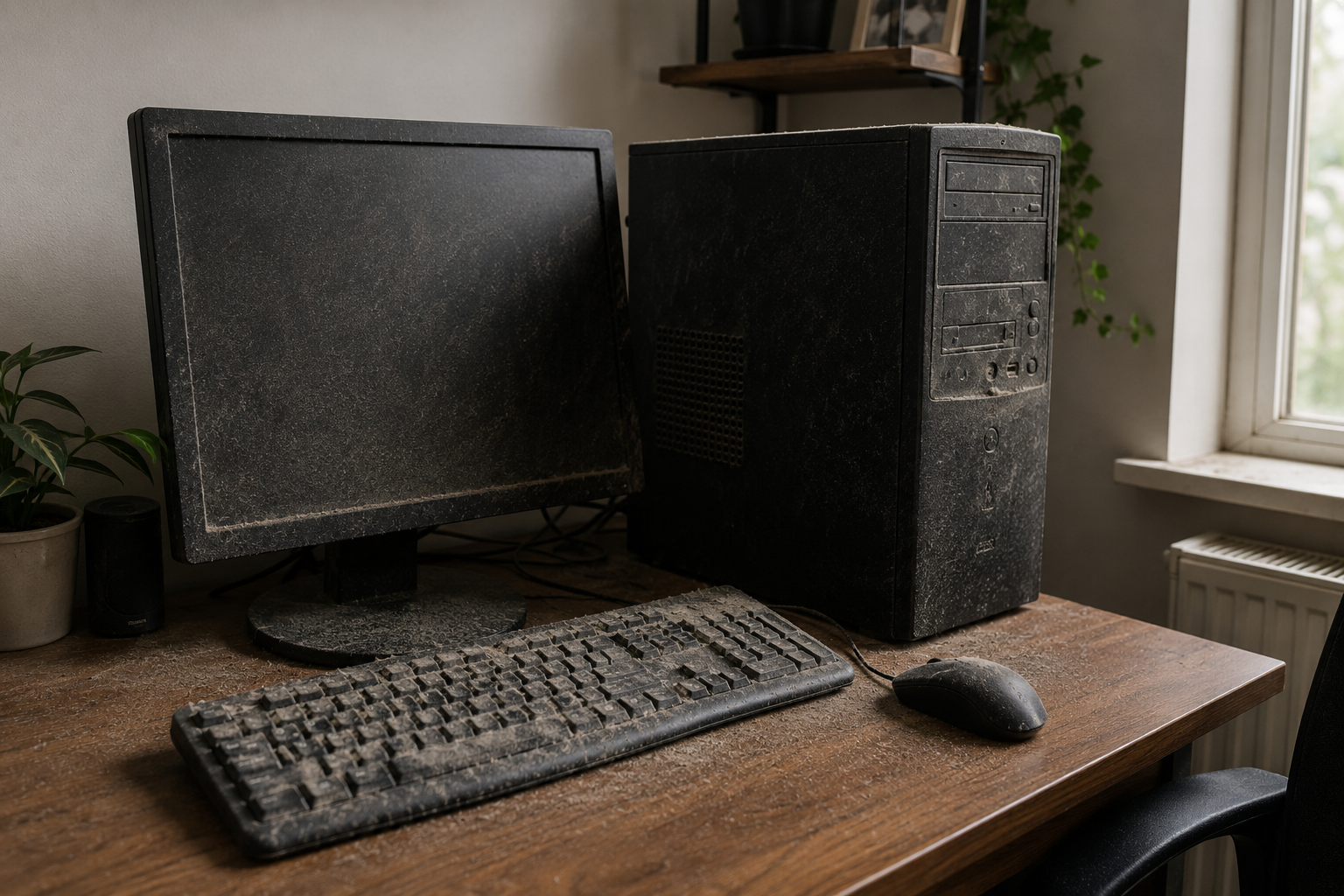
Electronic devices generate heat, and to prevent overheating, many rely on cooling fans or ventilation slots. These fans draw in surrounding air and with it, airborne dust.
Over time, dust can accumulate inside:
-
Desktop computers
-
Laptops
-
Gaming consoles
-
Televisions
-
Hi-fi systems
-
Routers
-
Printers
Excessive dust build-up can restrict airflow, causing components to run hotter than intended.
Can Dust Affect Performance?
Yes. While modern electronics are designed to cope with some dust, heavy accumulation can lead to:
-
Reduced cooling efficiency
-
Louder fan noise
-
Slower performance due to heat
-
Increased wear on internal components
-
More frequent cleaning requirements
For devices like gaming PCs or high-performance laptops, keeping dust levels low can help maintain efficient cooling.
How Air Purifiers Help
Air purifiers continuously remove airborne particles before they have the chance to settle.
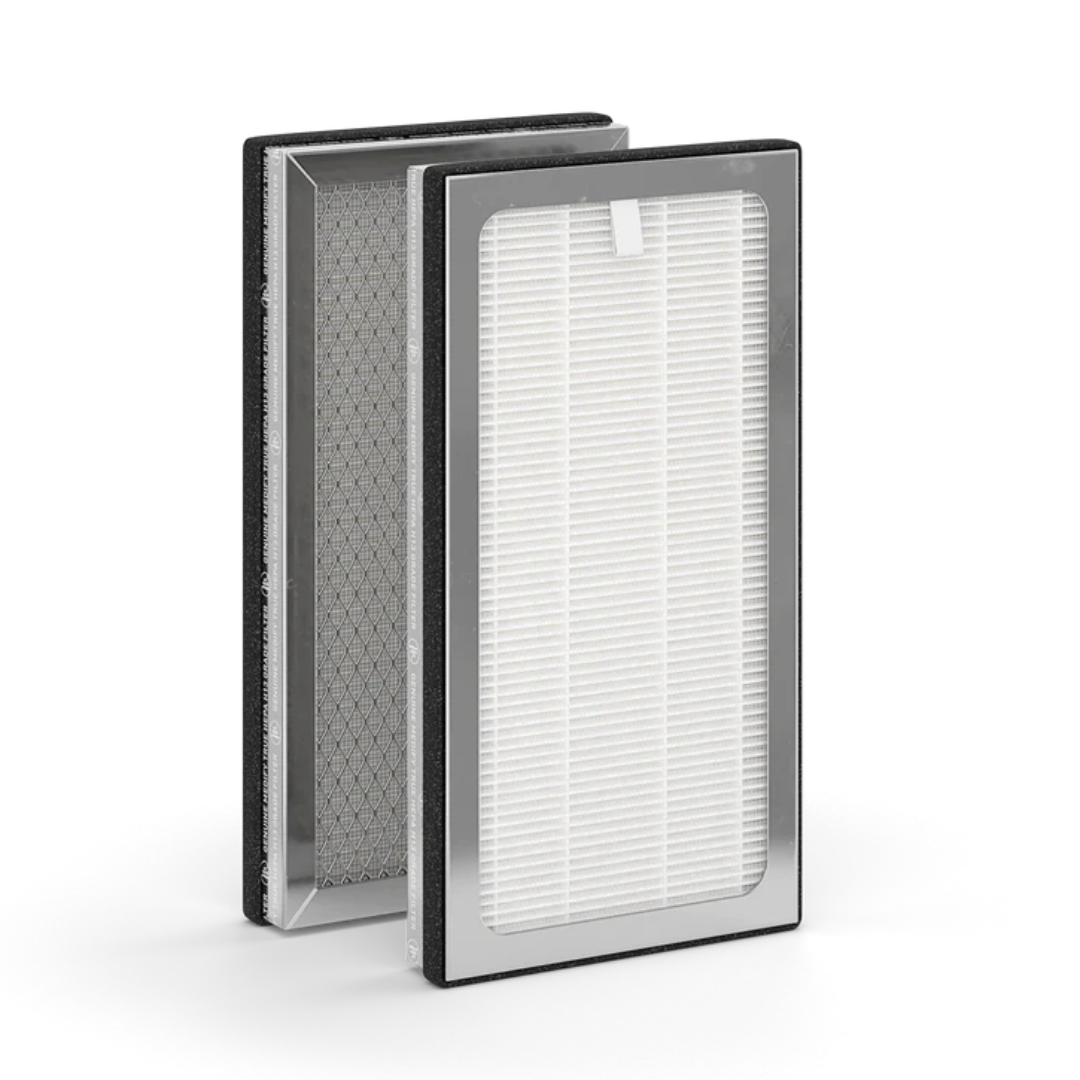
A quality HEPA filter captures:
-
Household dust
-
Fine particulate matter
-
Pet dander
-
Textile fibres
-
Pollen
By reducing the amount of dust floating around your home, there's simply less available to settle inside electronics.
The Biggest Difference You'll Notice
Many users find they need to dust around their entertainment systems and office equipment less often.
You may notice:
-
Cleaner TV screens
-
Less dust around speakers
-
Fewer dust deposits on desks
-
Reduced build-up around computer vents
While you'll still need occasional cleaning, maintenance becomes much easier.
Tips for Protecting Your Devices
An air purifier works best alongside good housekeeping habits.
Consider:
-
Vacuuming regularly using a HEPA vacuum
-
Cleaning computer vents periodically
-
Avoiding smoking indoors
-
Keeping pets groomed
-
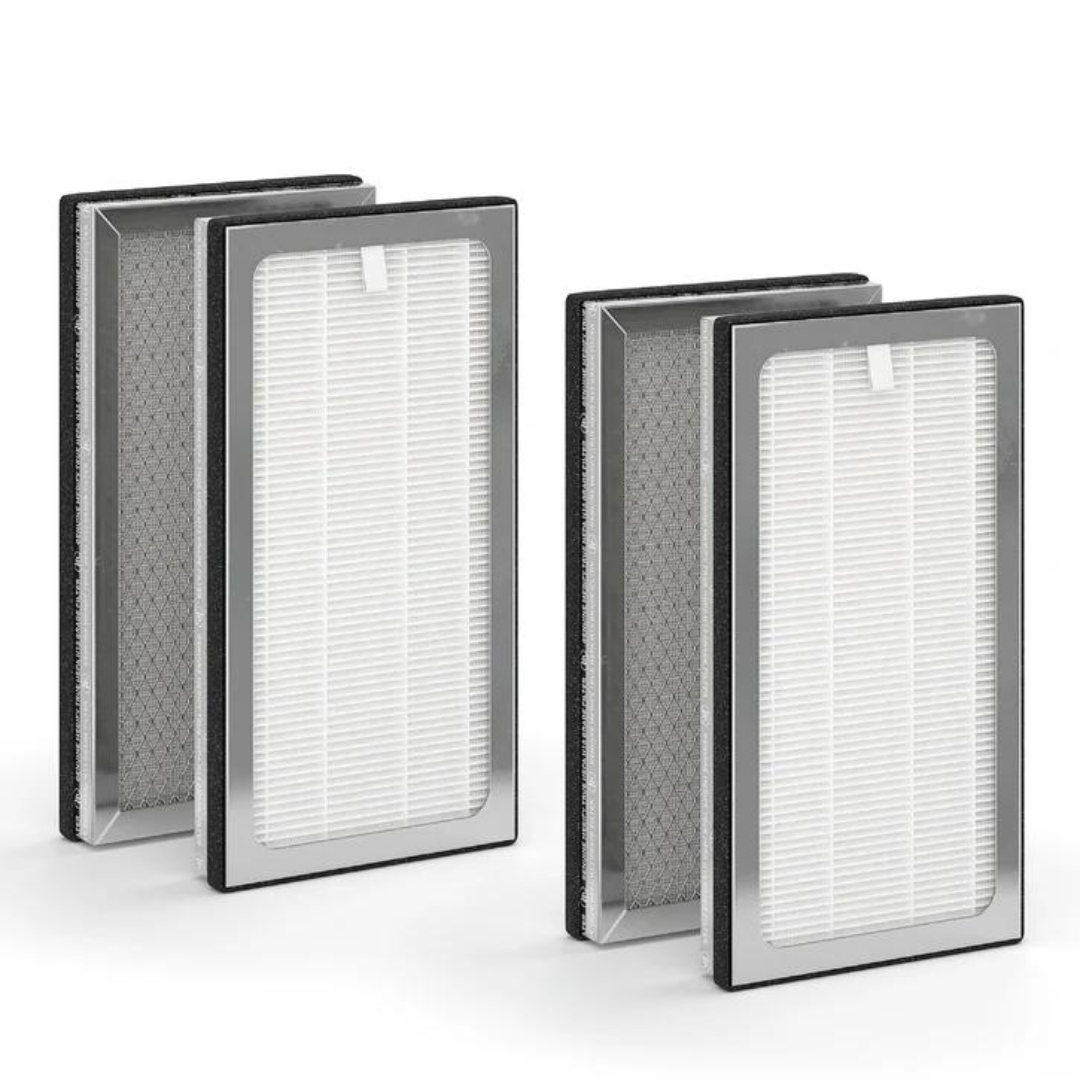
Changing your air purifier filters on schedule
Should You Place an Air Purifier Near Electronics?
Yes, but not directly against them.
Positioning an air purifier in the same room allows it to continuously circulate and clean the surrounding air without restricting airflow around your devices.
Avoid blocking ventilation openings on either the purifier or your electronics.
Final Thoughts
Dust is unavoidable, but reducing airborne particles can make a noticeable difference to both your home and your electronic devices.
Cleaner air means less dust settling where you don't want it, including inside the equipment you rely on every day.